
LITTRA Push
Getting Started
LITTRA PUSH
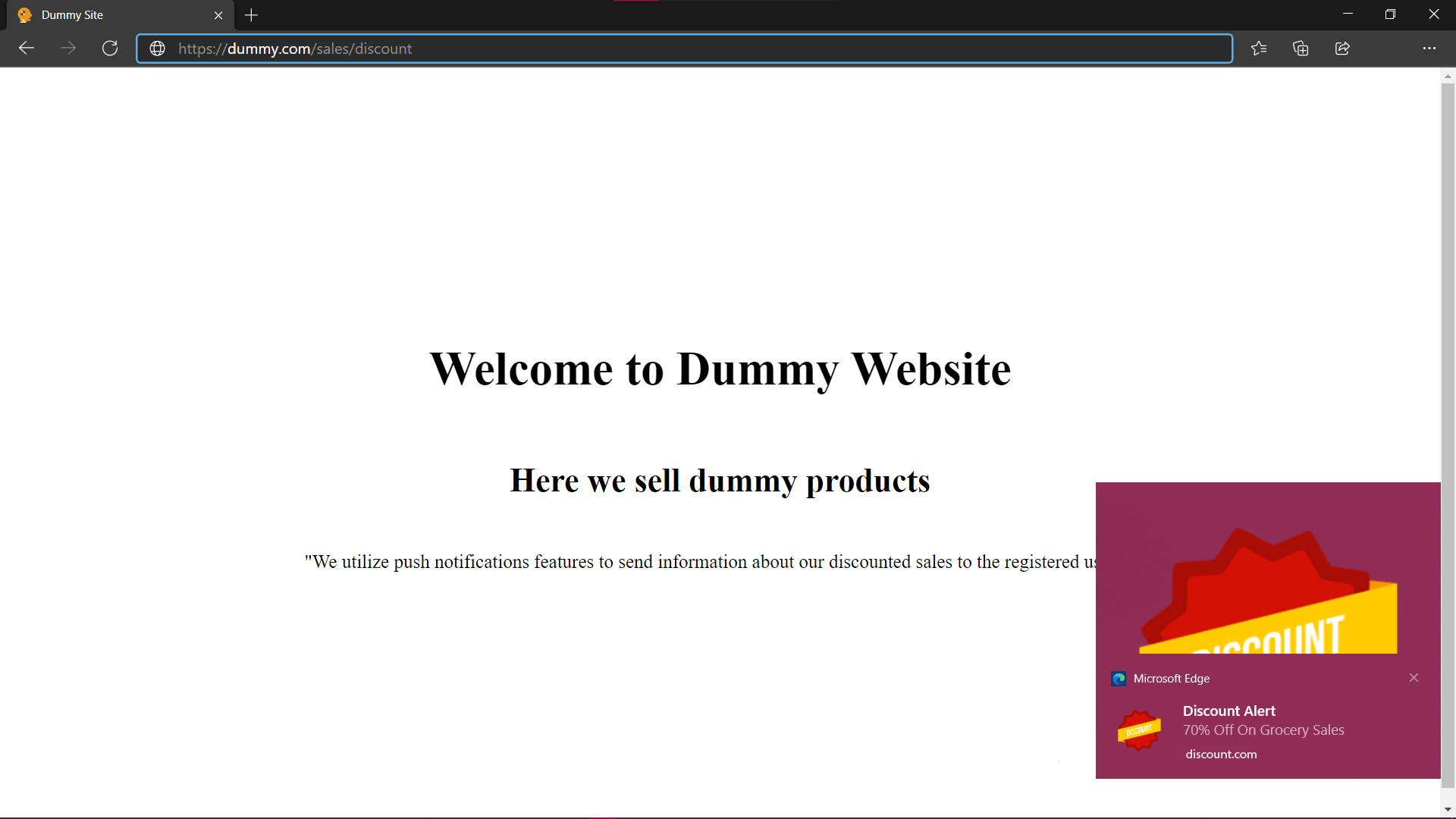
Littra Push is a fast and robust solution for customer engagement. Our service enables push notification prompt on websites, opting which directs real-time notifications to the user’s device. Littra Push works with popular operating systems and content management platforms. You also get to easily keep tabs on user engagement metrics.
Browser Support
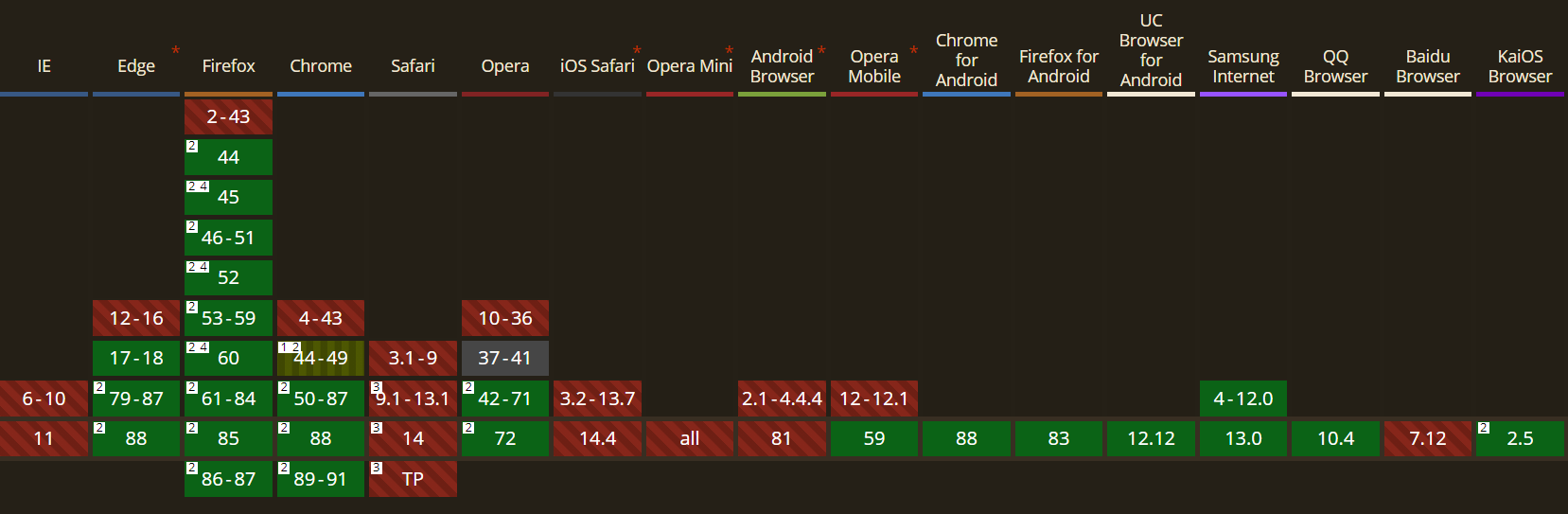
Following browsers are supported by our service:
| Browser | Version | Device |
|---|---|---|
| Chrome | Desktop | 50 |
| Firefox | Desktop | 44 |
| Edge Old | Desktop | 17-18 |
| Edge Chromium | Desktop | 79 |
| Opera | Desktop | 42 |
| Chrome | Android | 88 |
| Firefox | Android | 83 |
| Opera | Mobile | 59 |
| UC Browser | Mobile | 12.12 |
| Samsung Internet | Mobile | 4 |
| Internet Explorer | All | Not supported yet |
| Safari | All | Not supported yet |
Sign UP
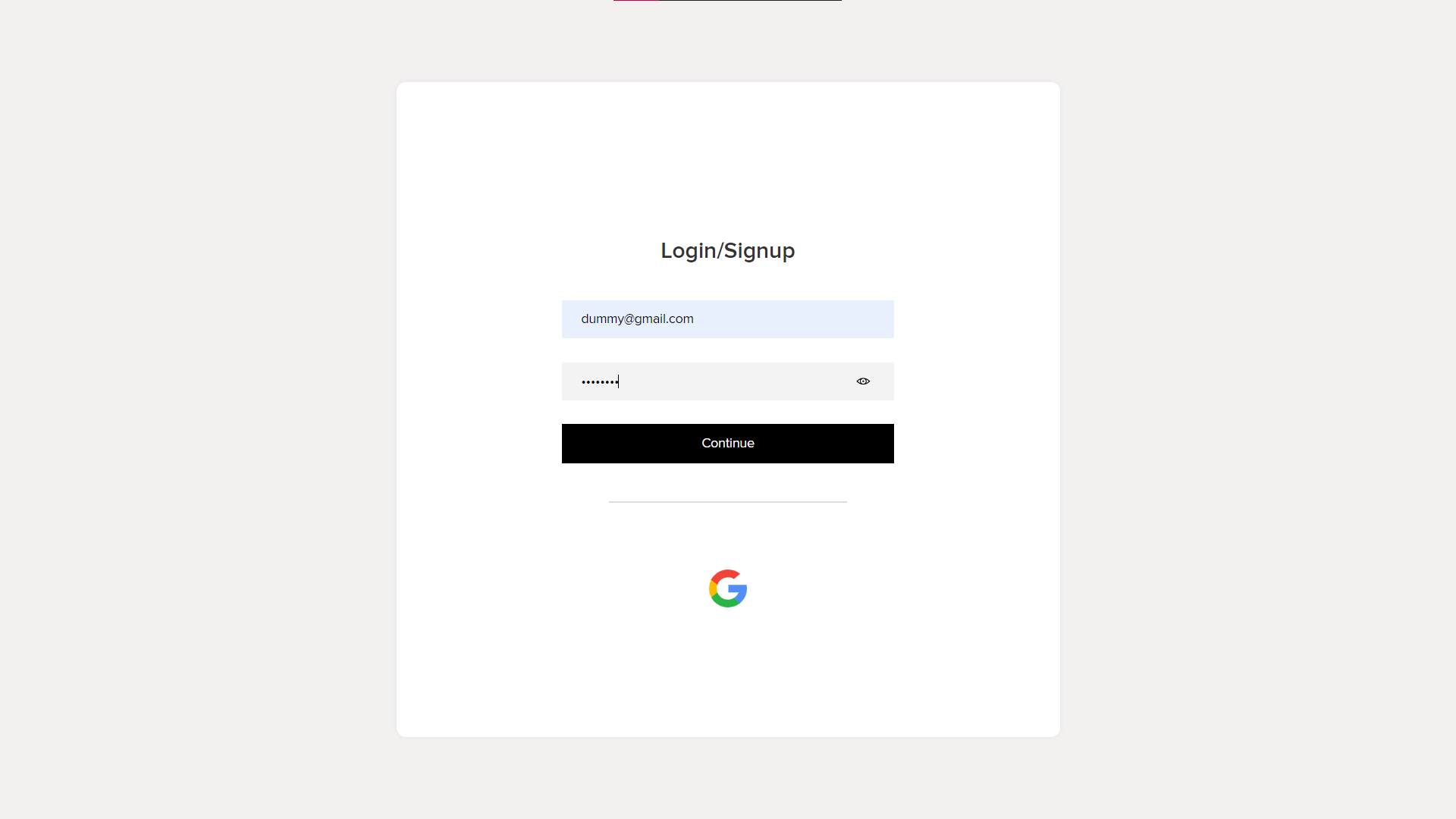
Signing up is a fairly easy process with Littra Push, you can either log in using your Google account or just log in directly using your email and set a password, no need to register.
Create Project
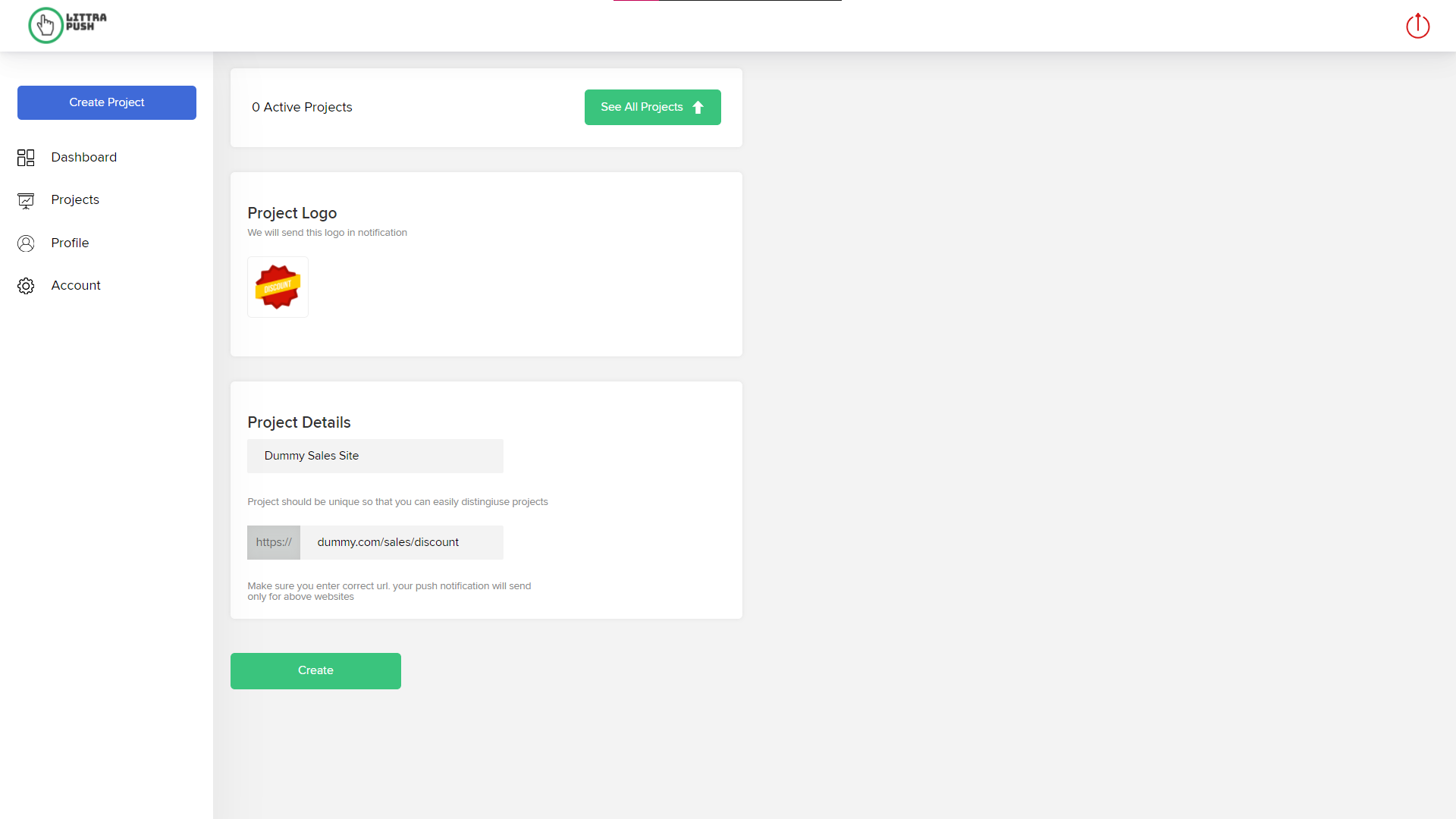
Inorder to create new project, click Projects section in the sidebar then click New Projects button in the top right corner, then enter Project Name and Link and click create button.
You can create multiple projects for a single product and assign each project for multiple purposes. Each project can have different logo and title to showcase its purpose.
- Examples:
- Alert users when a discount is available.
- Alert users when the stock of a specific product is running out.
- Alert users when is product is about to be delivered.
- And many more.
Add Script
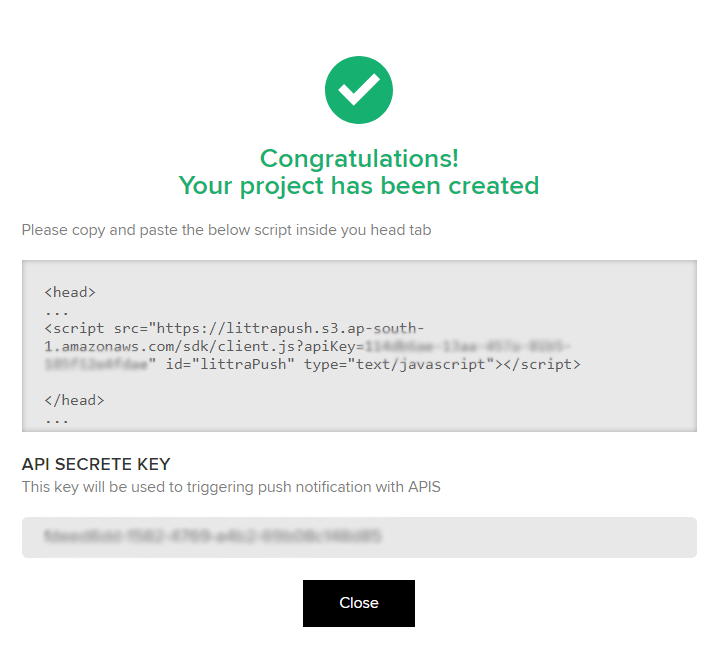
After creating project an API Key prompt appears, copy that script and follow the instructions:
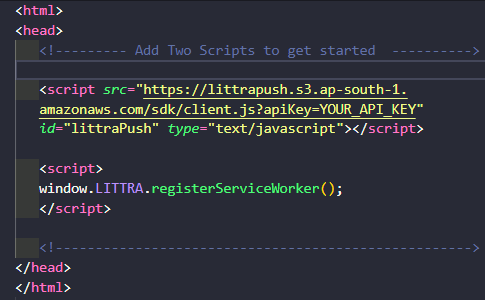
- Adding our script is a two step process:
- Paste the copied script to your websites index.html in head tag.i
<head>
<script
src="https://littrapush.s3.ap-south-1.amazonaws.com/sdk/client.js?apiKey=YOUR_API_KEY"
id="littrapush" type="text/javascript">
</script>
</head>
- Step 2 can be divided into two parts:
- If your website already has a serviceworker you can skip this step
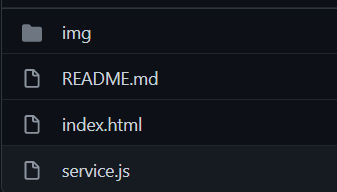
- Else, you have to downloadService.zipuncompress the service.js and paste it into your root directory of your project. Furthermore you have to add following script to your head tag too.i
<script>
window.LITTRA.registerServiceWorker();
</script>
Test Device
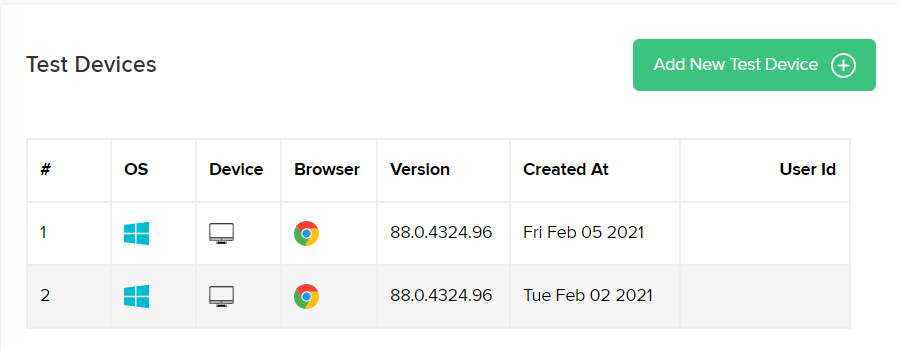
Test Device feature generally gives you a demo of how our push notification service works. Push notification will be sent to your device showcasing how it will appear on the end-users systems.
Send Notification
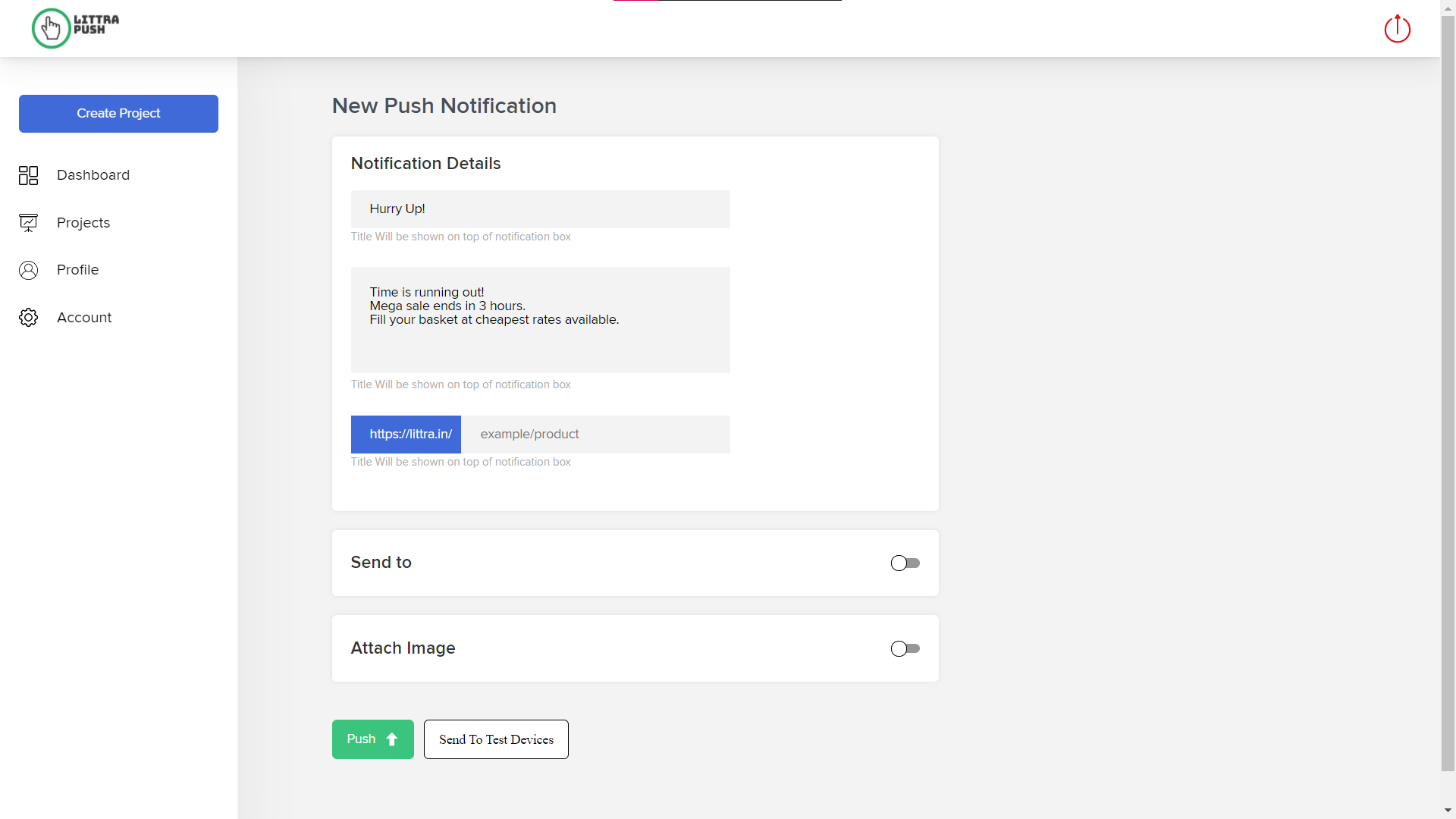
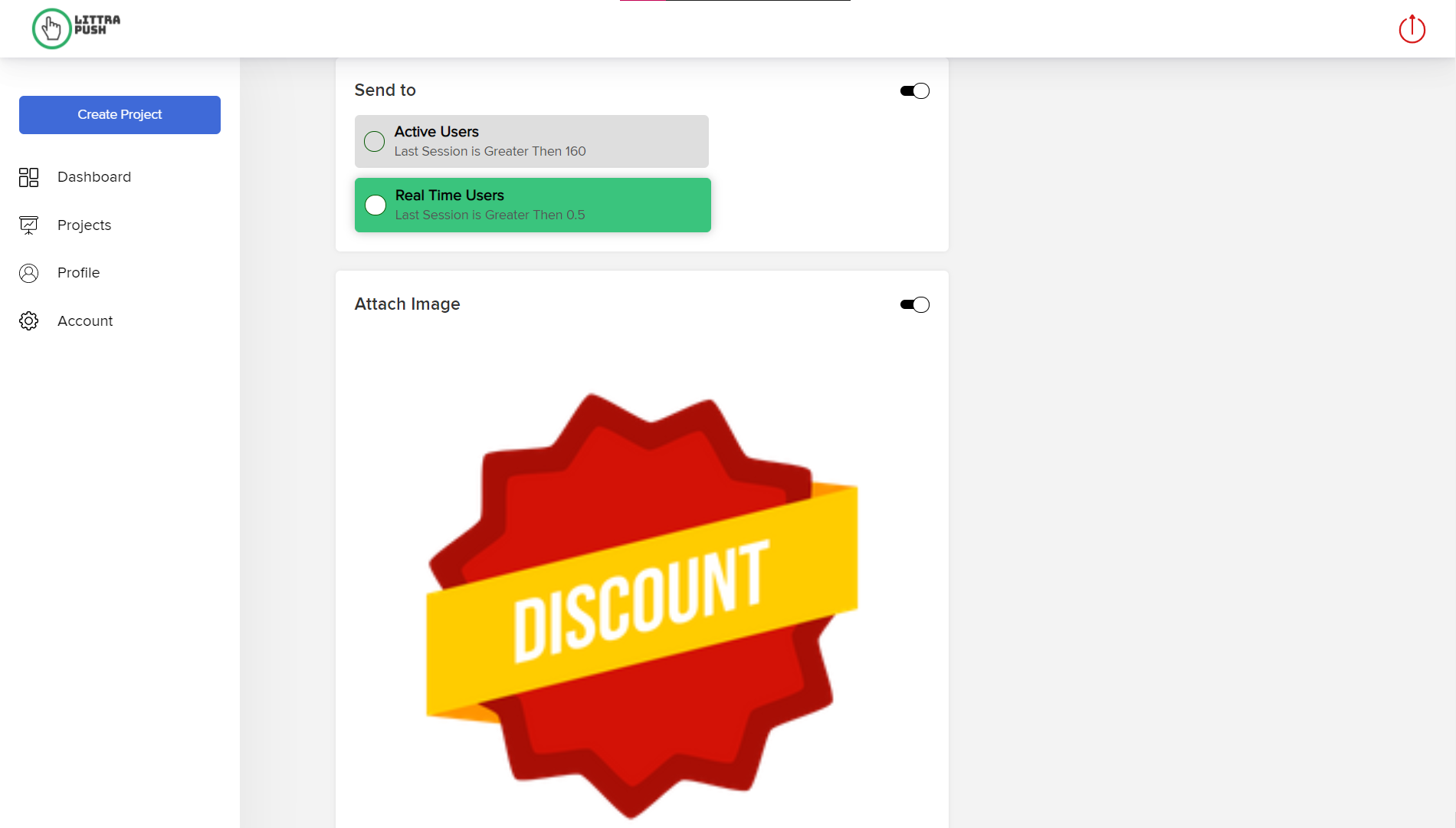
Push notifications can be sent easily by just single-click. Furthermore you can also send push notifications targeting user types (real-time, past, current) and add images to illustrate your purpose.
Message Track
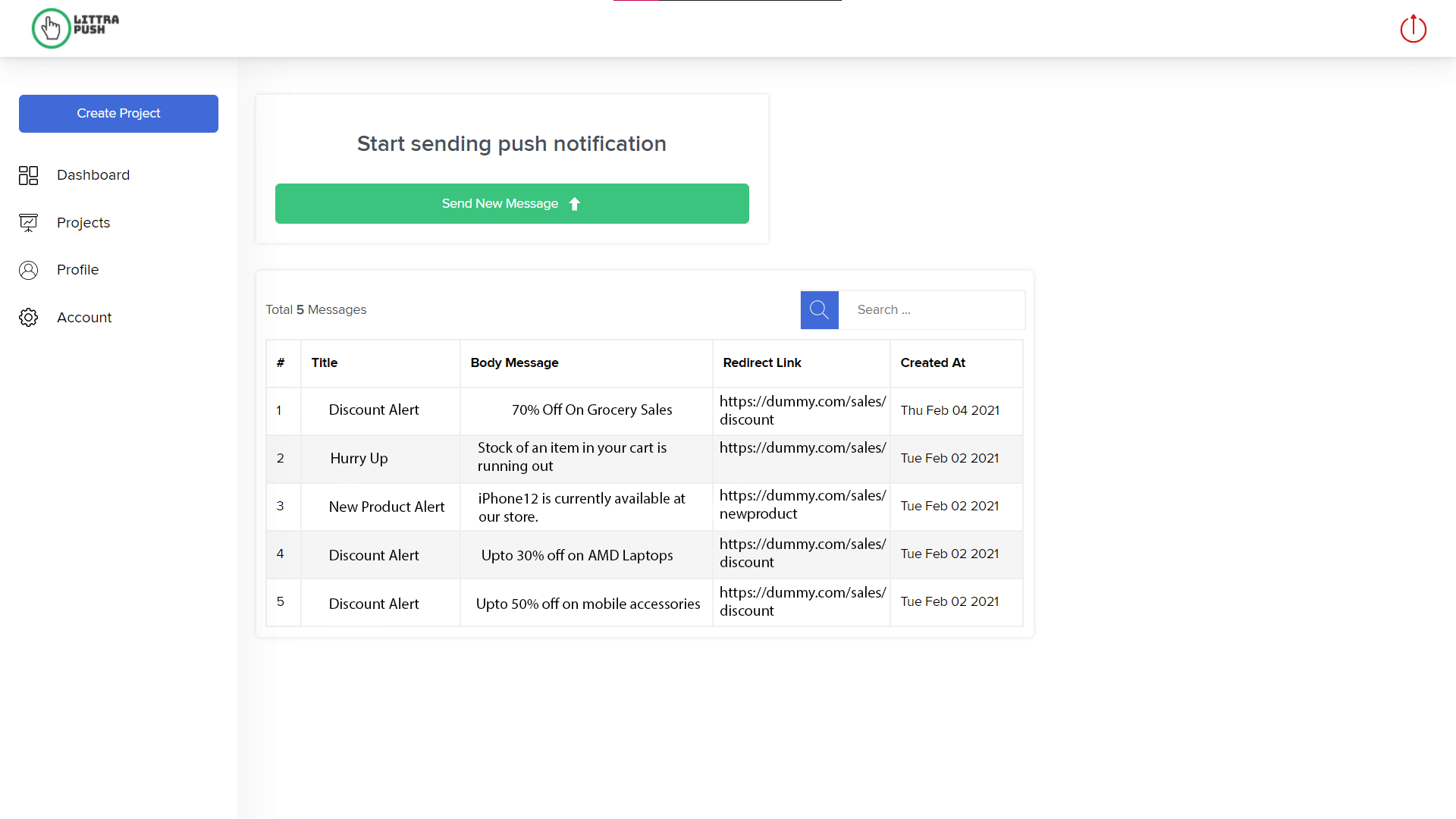
We keep log of all the messages sent in a project, so client can easily track the old messages sent to the users and can even filter messages using the search feature.
Send Unique User Message
Littra Push provides a service in which a user can send the notification to a unique user it want, which makes it easier to use.
Login Device
By using the below code a user can logged into devices and send Push Notifications.
window.LITTRA.login(<userId>,{});Remove User Id
The Login and Logout is the main feature of any website where the user can signIn,signOut or delete his account as per his choice. The codes for login and logOut are as follows-
window.LITTRA.logout();
Integrate-Api
This code will guide you to implement api in your website.
Help
For any kind of help please reach out to us @littrapvtltd@gmail.com.